Blog › Stamp templates and design
Logo stamps and monogram stamps: a logo on a seal without a white box
9 September 2026 · Stamp-Seal
Make your stamp free · Browse 225 templates
Almost every logo stamp starts the same way and fails the same way. You have a logo, it is a JPEG or a PNG exported from a design tool, and you drop it into the middle of a seal. What lands is a white rectangle sitting on top of the seal, covering the ring on two sides and covering the document underneath. That is not your logo being wrong: it is what the file is. A JPEG has no transparency at all, and an exported PNG usually has white where the designer saw nothing.
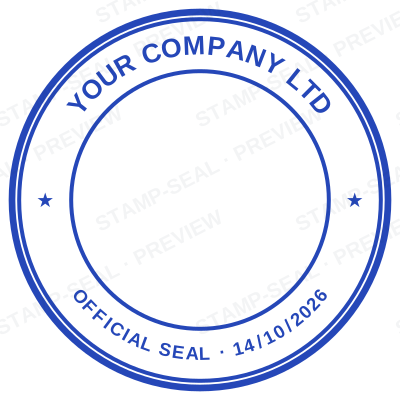
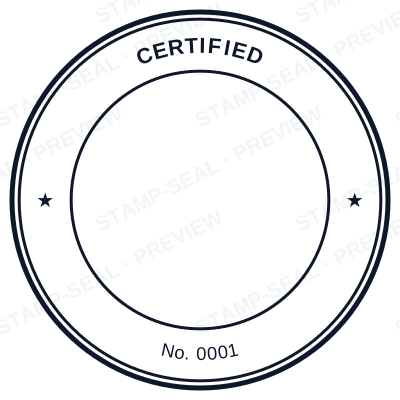
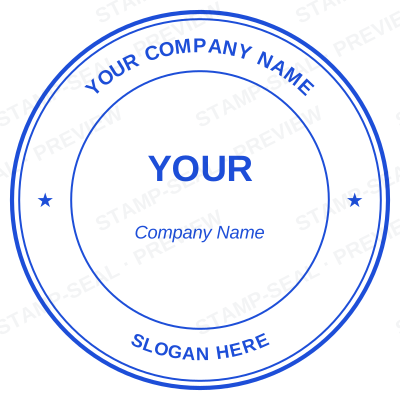

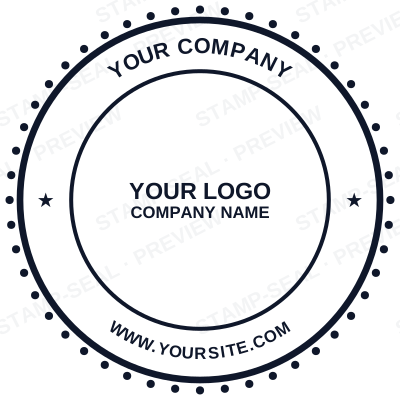
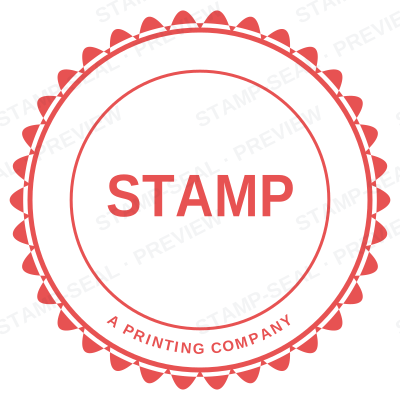
Open the stamp maker and start from any of these
How a logo stamp is made here instead
The white is removed when the logo is placed, automatically, before you see it.
The test is the minimum channel, not brightness. That distinction matters more than it sounds. Pure red is (255, 0, 0): its minimum channel is 0, so it survives untouched, while a brightness test reads red as fairly light and starts eating into it. Testing the minimum separates "white" from "bright colour" instead of confusing the two.
The threshold adapts to your file. The border of the image is sampled first. If it is overwhelmingly light, the cut is set just under the darkest of those light pixels, which is what catches the faint haze a JPEG leaves around artwork. If the border is not light, that is the signal there is no white card to remove, and nothing is cut: a transparent PNG, a dark logo on a dark ground, or artwork that bleeds to the edge all pass through untouched.
The edge ramps rather than jumping. Pixels just below the cut fade instead of switching off, so the outline stays smooth rather than turning into a jagged stair.
White inside the artwork goes too. This is deliberate, and it is the behaviour a stamp wants: the paper shows through the gaps, exactly as a real rubber stamp prints. A logo with a white counter inside a letter reads as ink and paper, not as ink and a card.
The logo keeps its own colours through all of this. If you want the worn look, the Aging control makes a digital rubber stamp maker with a vintage ink effect out of the same design, without touching the artwork. Nothing is flattened to one ink unless you choose that.
Then it behaves like everything else in the design
Once it is in, the logo is an element, not a locked background. Move it, scale it, rotate it, put ring text around it, put it in a band across the middle, place it beside a monogram rather than behind one. If the design already has an image, you are asked whether to replace it rather than ending up with two logos on top of each other.
Sign in and the logo is remembered, so the next stamp is one click rather than another upload. The version kept on your account is the original, not the knocked-out one, because a letterhead wants the logo on its own background and a chewed-out version would look wrong there.
Monograms: the layout that works
A monogram stamp is initials as the centre of the design, with the name curved around the ring. It is the layout small studios and makers reach for, and it survives being small better than a logo does.
Three things make one read:
Two or three letters, not four, and a circle logo stamp with curved text around it. At the size a seal is actually applied, four initials in a circle become a texture.
Let the ring do the explaining. The initials do not have to be legible as a name. The full name curved around the top and the town or the year around the bottom carry that job, which frees the centre to be a mark.
Keep one weight. A monogram that mixes a hairline serif with a heavy sans reads as two logos fighting. One family, one weight, one ink.
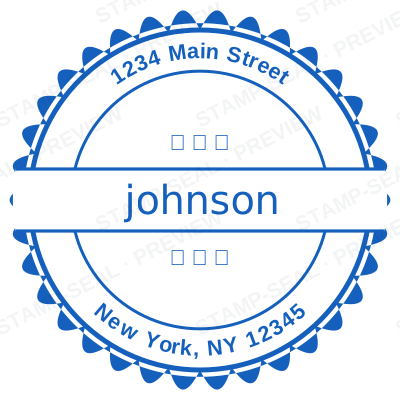
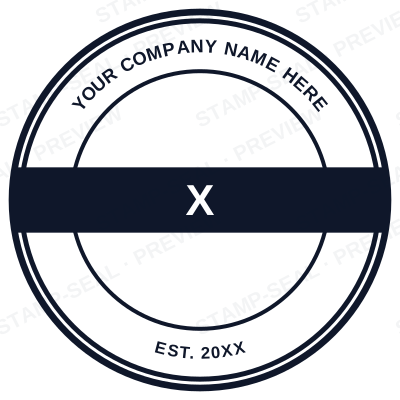
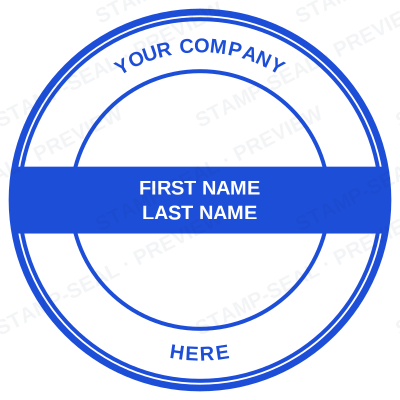

Open the stamp maker and start from any of these
What will not survive at stamp size
A stamp is one ink at about 15mm of usable width in the centre of a 40mm seal. That is a hard constraint and it is worth designing to rather than discovering:
- Gradients and soft shadows. They either band or turn to mud. If the logo has a flat single-colour version, that is the one.
- Hairlines. A one-pixel rule at logo size is invisible at seal size, and it disappears entirely if the stamp is ever cut in rubber.
- Small type inside the logo. A tagline set at 6pt inside a mark is unreadable on the stamp and will only make the middle look busy.
- Photographs. A photo has no clean edge to knock out and no single ink to print in.
If the logo only exists as a detailed full-colour lockup, the honest move is to use the part of it that is a mark, the symbol or the monogram, and let the ring text carry the name.
Read more: What goes on a company stamp: the six lines that matter
Checking it before you buy
Zoom the preview out rather than in. A logo stamp looks wonderful at 400 pixels and that is not the size it will be used at. Shrink it to roughly the size of a coin on screen: if the mark still reads there, it will read on the document, on a photocopy, and pressed into paper by somebody in a hurry.
Designing and previewing cost nothing and need no account, so the checking is free. You pay when you want the file.
What you download
A transparent logo stamp as a PNG for placing on documents, a white-background PNG and a JPG for the places transparency is not accepted, an SVG, a print-ready PDF, an EPS and a Word file, depending on which download you take. The logo is redrawn into each of those from the design rather than being screen-grabbed, so the transparency is real in every one of them.
One thing worth knowing when you place it: insert the file rather than copying and pasting the image. Windows hands a copied image over as a plain bitmap with no alpha channel, so a perfectly transparent stamp arrives in Word on a white box, and the file gets blamed for it.
Only put a logo on a stamp your own organisation is entitled to use. Somebody else's mark on a seal is somebody else's mark, whatever the file it came from.
Questions people ask
How do I turn a logo into a rubber stamp?
Upload it in the editor. The white background is removed as it is placed, so the logo lands as ink rather than as a white card, and it can then be moved, scaled and rotated like any other element in the design.
How do I remove the white background from a logo?
It happens automatically here, on the minimum colour channel rather than on brightness, so a bright colour survives where a brightness test would eat into it. If you need to do it elsewhere, the equivalent is a colour-to-alpha or a magic wand at a tight tolerance.
Can I make a custom logo seal for my company?
Yes, and the ring text is what makes it read as a seal rather than as a logo in a circle: the registered name around the top, the town or the year around the bottom, the mark in the middle.
What makes a good monogram stamp?
Two or three initials, one typeface at one weight, and the full name curved around the ring so the centre does not have to be legible as a name. Four initials in a circle become a texture at the size a stamp is actually used.
Will my logo still read at stamp size?
Only if it is simple. A stamp is one ink across about 15mm of usable width, so gradients, hairlines, small type and photographs all disappear. Zoom the preview out to the size of a coin: what you can read there is what will print.
Every kind of stamp and seal
- Notary stamps and seals
- Rubber stamps
- Rubber stamp maker
- Self-inking stamps
- Office stamps
- Official stamps
- Company seals
- Corporate stamps and seals
- Company chops
- Seals for civil servants
- Justice and court stamps
- Legal and advocate stamps
- Certified true copy stamps
- Medical stamps
- Pharmacy stamps
- Veterinary stamps
- Engineer and architect seals
- Land surveyor seals
- Bank stamps
- School and principal stamps
- Teacher and marking stamps
- University and college seals
- Library stamps
- Inspection stamps
- Courier and logistics stamps
- Construction and site stamps
- Real estate stamps
- Hotel and restaurant stamps
- Church and charity seals
- Tender and bid stamps
- HR and payroll stamps
- Received and paid stamps
- Confidential and draft stamps
- Signature stamps
- Date stamps
- Custom band stamps
- Numbering stamps
- Address stamps
- Monogram stamps
- Wedding stamps
- Gift and craft stamps
- Art and logo stamps
- Wax and foil seals
- Stamp or seal, by profession