Free address stamp template online
Create a reusable address stamp with company name, street address, phone, email, and website.
Making an address Stamp, step by step
- Open the stamp maker and pick the Address Stamp template, or type your own wording.
- Set the shape, colour and size, then drop in a logo and position the date or serial line.
- Download the PNG for everyday use, or the pack when the SVG and PDF are going to matter later.
Start from an address Stamp template
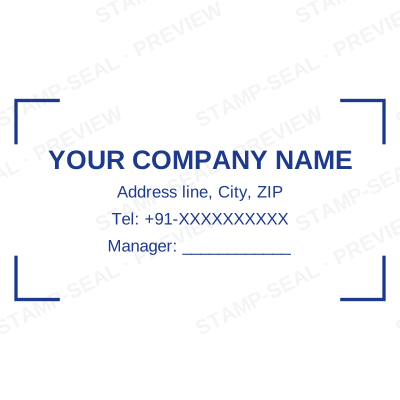
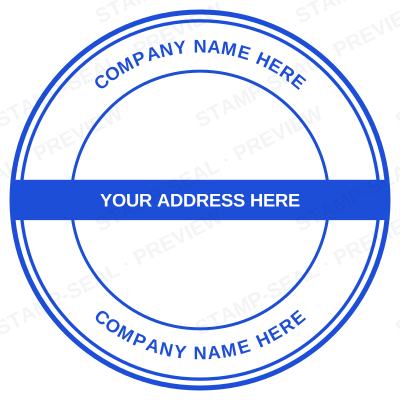
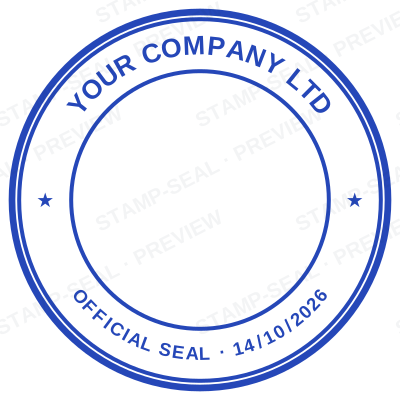
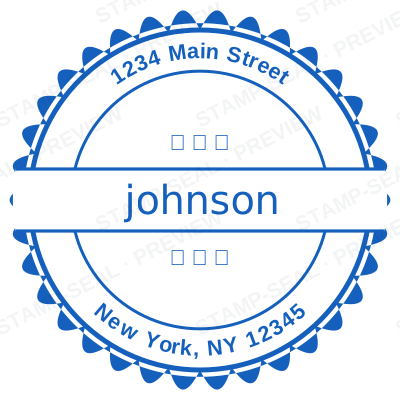
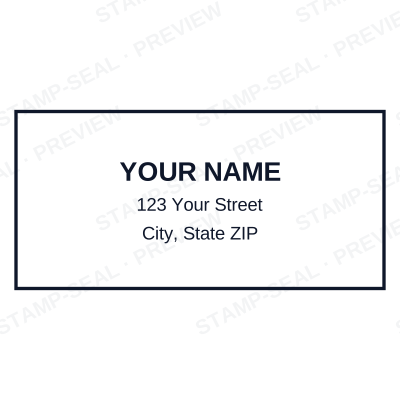
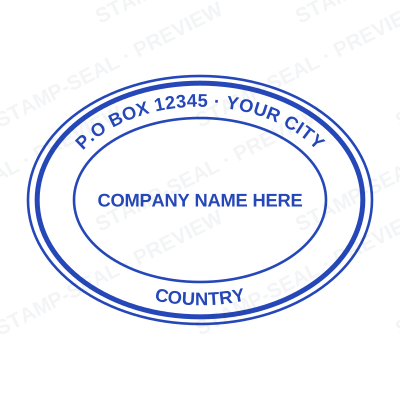
Open the stamp maker with any of these
Every preview on this page carries a faint Stamp-Seal watermark. Your own download does not: the editor renders your stamp again, clean, as a transparent PNG, an SVG or a PDF. See the full template library.
Where an address Stamp is used
- Return addresses
- Invoices
- Shipping documents
Questions people ask
Is the address stamp free?
There is no charge to make an address stamp, no account needed, and no watermark on what you see. The charge is for the file, $1.50 for one format or $3.00 for the complete set.
Can I add a date to the address stamp?
Yes. Switch the date on and it sits inside the address stamp. Leave the date field empty and it fills itself in whenever the stamp is used, rather than freezing the day you designed it.
What format do I get?
A transparent PNG for dropping onto documents, plus a white-background PNG and a JPG. The $3.00 pack adds an SVG, a print-ready PDF and a Word file that keeps the date and serial as text you can retype.
Is there a free maker, or only samples?
It is a address stamp maker rather than a address stamp template you download and then fight with in a word processor. Build a address stamp online from a address stamp sample, or start empty and use it as a address stamp generator: every part of the address stamp design stays adjustable. The address stamp price covers the file only, $1.50 for a transparent address stamp png or $3.00 for every format.
From the Stamp-Seal blog
- Stamp terms explained: die, ring text, dwell, bleed and the rest
- Which stamp file format to download, and why there are six of them
- How to add a stamp to a PDF without Acrobat