Free medical stamp template online
Design a medical or clinic stamp with provider name, licence number, address, phone, and date for healthcare documents.
Making a medical Stamp, step by step
- Open the stamp maker and pick the Medical Stamp template, or type your own wording.
- Set the diameter so it reads at real size, choose a border, and position the logo and the date line.
- One image format is $1.50. The zip at $3.00 adds the vector, the print PDF and the Word file.
Start from a medical Stamp template
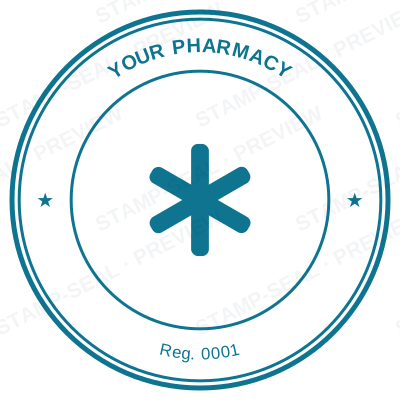
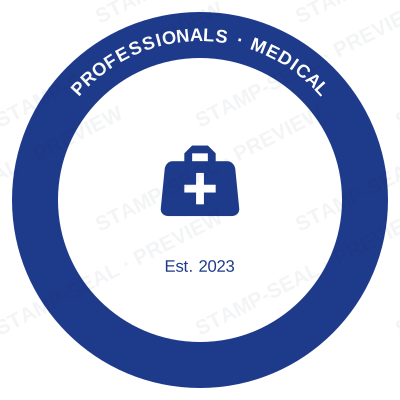
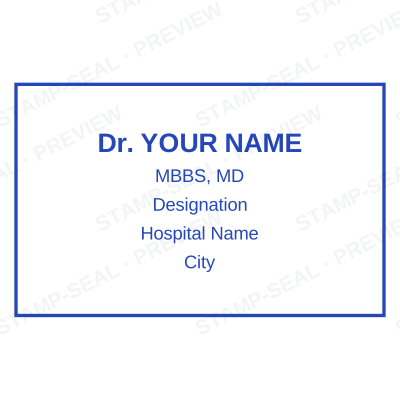
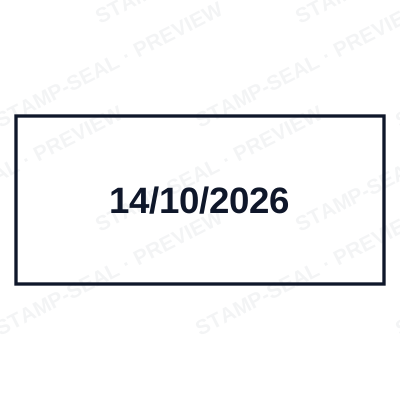
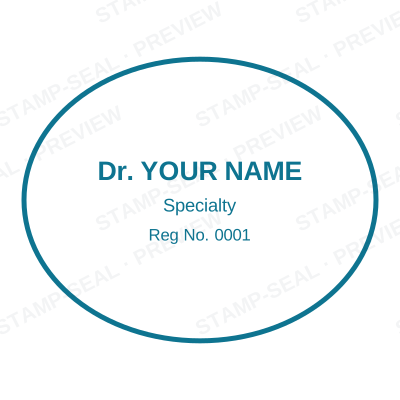
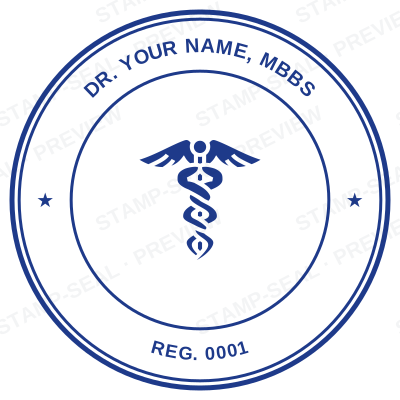
Open the stamp maker with any of these
Every preview on this page carries a faint Stamp-Seal watermark. Your own download does not: the editor renders your stamp again, clean, as a transparent PNG, an SVG or a PDF. See the full template library.
Where a medical Stamp is used
- Clinic forms
- Prescriptions
- Medical certificates
Questions people ask
Is the medical stamp free?
Designing is free and unlimited. Downloading the medical stamp is $1.50 for a single image, or $3.00 for every format at once. One payment either way, with no subscription attached.
Can I add a date to the medical stamp?
Yes. A date, a time, or both, positioned wherever they fit the medical stamp. An empty date field means "whenever this is used", so the impression records the real day.
What format do I get?
You choose an image format for $1.50, or take everything zipped for $3.00. The pack is where the SVG and the PDF live, and where the Word version of the medical stamp keeps its date as real text.
Can I design my own, or pick from templates?
Both, in the order that helps. Open a medical stamp sample as a layout, then use the medical stamp generator rather than a fixed medical stamp template, because the wording, shape and spacing are yours. Making a medical stamp online is free; the medical stamp price is $1.50 for a medical stamp png and $3.00 for the full set, and the medical stamp design stays editable after. It is a medical stamp maker, not a download.
From the Stamp-Seal blog
- Stamp terms explained: die, ring text, dwell, bleed and the rest
- Which stamp file format to download, and why there are six of them
- How to add a stamp to a PDF without Acrobat
Related pages
Stamp-Seal is a design tool. What a medical mark must carry, and whether a digital one may be used on a prescription or a certificate, is set by the council or board you are registered with and differs by country. Check your own registration rules rather than relying on any layout here. Only produce a mark for credentials you actually hold.