Free custom stamp maker online
Type any wording, pick a shape, add a logo or date, and create a custom stamp for PDF documents or transparent PNG export.
Making a custom Stamp, step by step
- Open the stamp maker and pick the Custom Stamp template, or type your own wording.
- Adjust the shape, the colour and the diameter, then add a logo and any lines that have to change.
- Download a single image format, or the zip with the SVG and print-ready PDF alongside it.
Start from a custom Stamp template
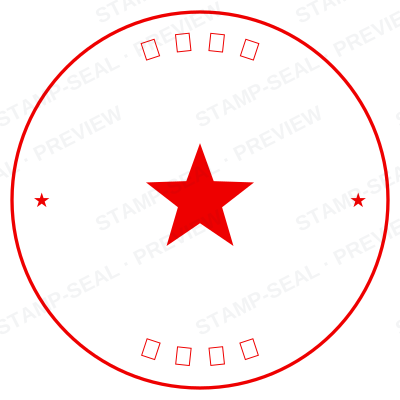

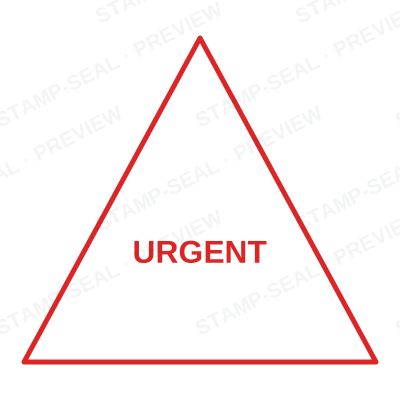
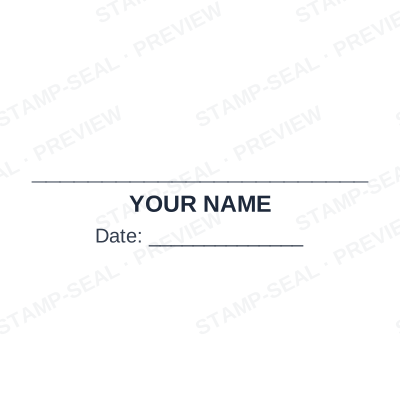

Open the stamp maker with any of these
Every preview on this page carries a faint Stamp-Seal watermark. Your own download does not: the editor renders your stamp again, clean, as a transparent PNG, an SVG or a PDF. See the full template library.
Where a custom Stamp is used
- Custom office stamps
- Status labels
- Document routing
Questions people ask
Is the custom stamp free?
Free until you want the file. The custom stamp previews at full quality with nothing over it, and only the download is charged: $1.50 for one image format, $3.00 for all of them zipped.
Can I add a date to the custom stamp?
Yes. A date, a time, or both, positioned wherever they fit the custom stamp. An empty date field means "whenever this is used", so the impression records the real day.
What format do I get?
Single formats are the images: a transparent PNG, a white-background PNG or a JPG. The vector and document versions of the custom stamp, meaning SVG, PDF, EPS and Word, come with the all-formats pack.
Do I get a template or something I can edit?
Neither a static custom stamp template nor a stock image: a custom stamp generator you drive, and a custom stamp maker in the sense that matters, which is that nothing is fixed. Choose a custom stamp sample layout, rework the custom stamp design, build the custom stamp online and download when it looks right. The custom stamp price is $1.50 for a single custom stamp png or $3.00 for every format zipped.
From the Stamp-Seal blog
- Which stamp file format to download, and why there are six of them
- Stamp terms explained: die, ring text, dwell, bleed and the rest
- How to add a stamp to a PDF without Acrobat