Salon and spa stamp for receipts and cards
A salon stamp lives on receipts and loyalty cards, the small paper that customers keep in a wallet, so it has to read clearly at about twenty millimetres rather than look good at full size.
Making a salon stamp, step by step
- Open the stamp maker and pick the Salon stamp template, or type your own wording.
- Adjust the shape, the colour and the diameter, then add a logo and any lines that have to change.
- Export a PNG or JPG for $1.50, or every format zipped for $3.00 including the editable Word file.
Start from a salon stamp template
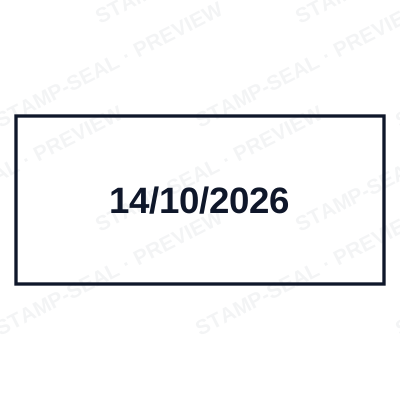
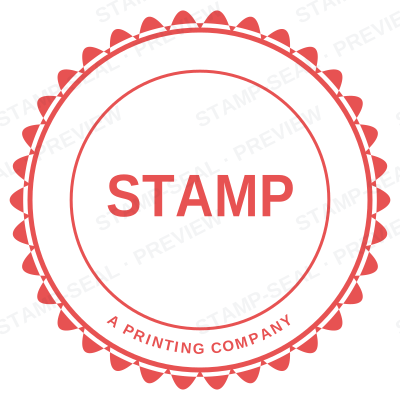

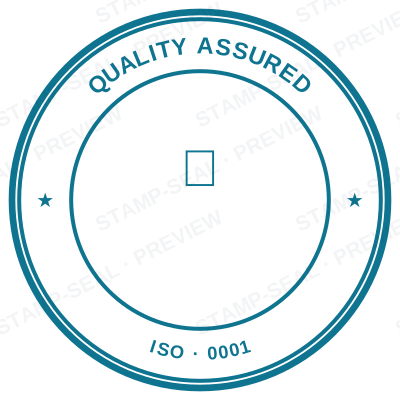

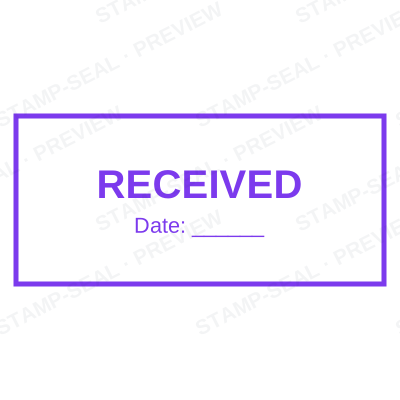
Open the stamp maker with any of these
Every preview on this page carries a faint Stamp-Seal watermark. Your own download does not: the editor renders your stamp again, clean, as a transparent PNG, an SVG or a PDF. See the full template library.
Where a salon stamp is used
- Receipts and payment slips
- Loyalty and stamp cards
- Appointment cards
- Gift voucher validation
Questions people ask
Is the salon stamp free?
Designing and previewing a salon stamp is free, with no account and no watermark on the preview. The file is the paid part: $1.50 for a PNG or JPG, or $3.00 for every format in one zip, paid once.
Can I add a date to the salon stamp?
Yes. Switch the date on and it sits inside the salon stamp. Leave the date field empty and it fills itself in whenever the stamp is used, rather than freezing the day you designed it.
What format do I get?
A transparent PNG for dropping onto documents, plus a white-background PNG and a JPG. The $3.00 pack adds an SVG, a print-ready PDF and a Word file that keeps the date and serial as text you can retype.
How much does it cost, and what do I get?
Both, in the order that helps. Open a salon stamp sample as a layout, then use the salon stamp generator rather than a fixed salon stamp template, because the wording, shape and spacing are yours. Making a salon stamp online is free; the salon stamp price is $1.50 for a salon stamp png and $3.00 for the full set, and the salon stamp design stays editable after. It is a salon stamp maker, not a download.
From the Stamp-Seal blog
- Stamp terms explained: die, ring text, dwell, bleed and the rest
- Which stamp file format to download, and why there are six of them
- How to add a stamp to a PDF without Acrobat