Free REJECTED stamp for declined documents
A REJECTED stamp closes a decision so it is not quietly reopened, and it is most useful when it carries the date and the reference of whoever made the call.
Making a rejected stamp, step by step
- Open the stamp maker and pick the Rejected template, or type your own wording.
- Set the shape, colour and size, then drop in a logo and position the date or serial line.
- Download the PNG for everyday use, or the pack when the SVG and PDF are going to matter later.
Start from a rejected stamp template
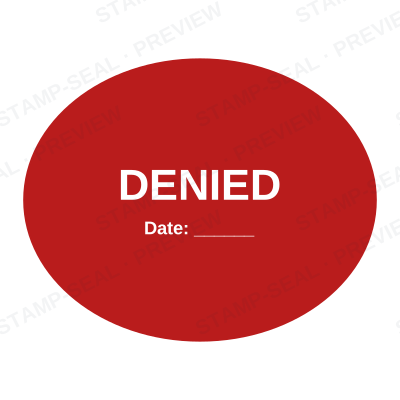
Open the stamp maker with any of these
Every preview on this page carries a faint Stamp-Seal watermark. Your own download does not: the editor renders your stamp again, clean, as a transparent PNG, an SVG or a PDF. See the full template library.
Where a rejected stamp is used
- Declined applications
- Failed inspections and returns
- Rejected submissions
- Refused claims
Questions people ask
Is the rejected stamp free?
There is no charge to make a rejected stamp, no account needed, and no watermark on what you see. The charge is for the file, $1.50 for one format or $3.00 for the complete set.
Can I add a date to the rejected stamp?
The rejected stamp takes a date, a time and a serial number, in any combination. An empty date fills itself in at download; a typed one is treated as a deliberate record and left alone.
What format do I get?
You choose an image format for $1.50, or take everything zipped for $3.00. The pack is where the SVG and the PDF live, and where the Word version of the rejected stamp keeps its date as real text.
Is there a free maker, or only samples?
It is a rejected stamp maker rather than a rejected stamp template you download and then fight with in a word processor. Build a rejected stamp online from a rejected stamp sample, or start empty and use it as a rejected stamp generator: every part of the rejected stamp design stays adjustable. The rejected stamp price covers the file only, $1.50 for a transparent rejected stamp png or $3.00 for every format.
From the Stamp-Seal blog
- Stamp terms explained: die, ring text, dwell, bleed and the rest
- Which stamp file format to download, and why there are six of them
- How to add a stamp to a PDF without Acrobat