Free library stamp maker online
A library stamp marks ownership and, where it carries an accession number, tells you which copy of a title you are holding.
Making a library stamp, step by step
- Open the stamp maker and pick the Library stamp template, or type your own wording.
- Size it, colour it, pick a border, and put the logo, date or serial exactly where you want them.
- Download a single image format, or the zip with the SVG and print-ready PDF alongside it.
Start from a library stamp template

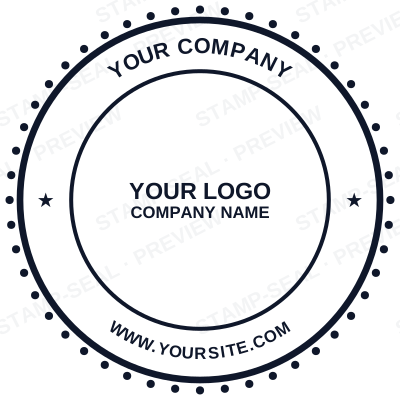
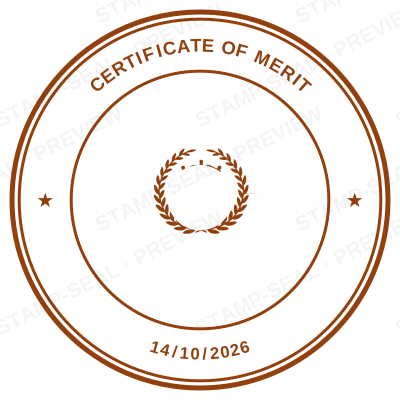
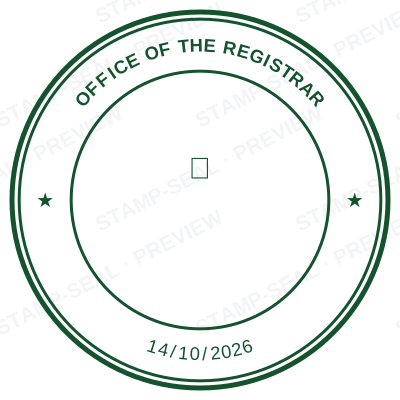
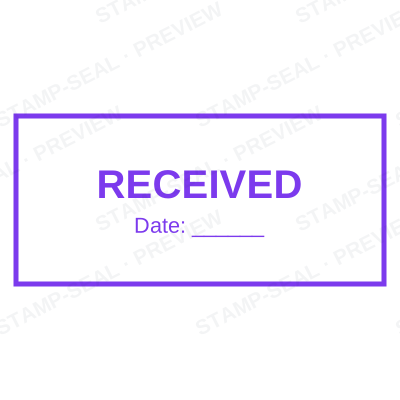

Open the stamp maker with any of these
Every preview on this page carries a faint Stamp-Seal watermark. Your own download does not: the editor renders your stamp again, clean, as a transparent PNG, an SVG or a PDF. See the full template library.
Where a library stamp is used
- Book ownership marks
- Accession and catalogue numbers
- School and departmental libraries
- Archive and reference collections
Questions people ask
Is the library stamp free?
Free until you want the file. The library stamp previews at full quality with nothing over it, and only the download is charged: $1.50 for one image format, $3.00 for all of them zipped.
Can I add a date to the library stamp?
The library stamp takes a date, a time and a serial number, in any combination. An empty date fills itself in at download; a typed one is treated as a deliberate record and left alone.
What format do I get?
A transparent PNG is the one most people want, and it is available on its own. SVG, PDF, EPS and Word are pack-only, because a vector that rescales forever is not the same product as a flat image.
Can I design my own, or pick from templates?
Neither a static library stamp template nor a stock image: a library stamp generator you drive, and a library stamp maker in the sense that matters, which is that nothing is fixed. Choose a library stamp sample layout, rework the library stamp design, build the library stamp online and download when it looks right. The library stamp price is $1.50 for a single library stamp png or $3.00 for every format zipped.
From the Stamp-Seal blog
- Which stamp file format to download, and why there are six of them
- Stamp terms explained: die, ring text, dwell, bleed and the rest
- How to add a stamp to a PDF without Acrobat