Digital stamps for PDF and Word
The practical side of stamping a document that is never going to be paper. Transparency and why a plain image lands as a white box, the formats that survive a printer, and how to keep a set of stamps organised so the right one gets used.
Make your stamp free · Browse 225 templates
Digital stamps for PDF and Word templates, ready to customize
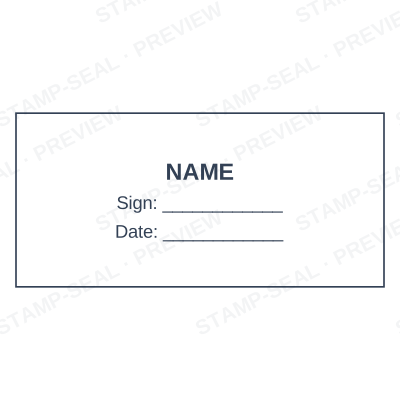
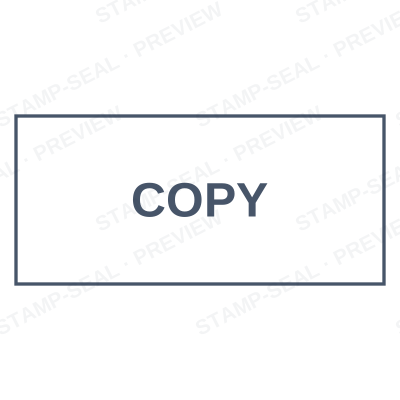
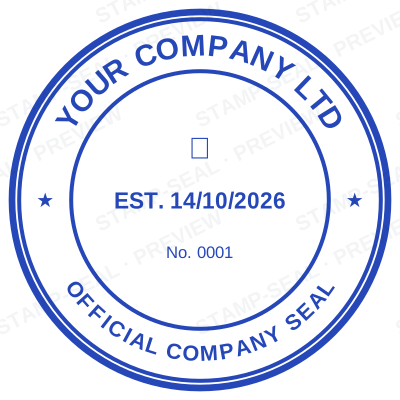
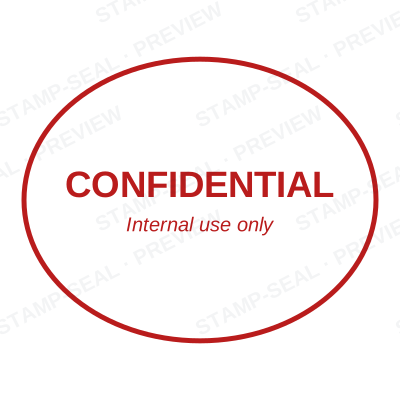
Every preview on this page carries a faint Stamp-Seal watermark. Your own download does not: the editor renders your stamp again, clean, as a transparent PNG, an SVG or a PDF. See the full template library.
Guides on this
- What is a digital stamp? A plain definition, and four things it is not 9 September 2026: The phrase gets used for four different things, and only one of them is a stamp. Here is the definition, and the three neighbours it keeps being confused with.
- How to add a stamp to a PDF without Acrobat 9 September 2026: The usual advice starts with buying Acrobat. Here is the version that starts with the file you already have and finishes in a couple of minutes.
- Watermark or stamp: which one your document actually needs 9 September 2026: DRAFT across the page and RECEIVED in the corner are two different tools. Using the wrong one is how a draft goes out looking final.
- Stempel in ein PDF einfügen, ohne Acrobat 9 September 2026: Die meisten Anleitungen setzen voraus, dass Sie Acrobat besitzen. Das hier ist die Fassung für alle anderen.
- Insérer un tampon dans un PDF, sans Acrobat 9 September 2026: La plupart des tutoriels supposent que vous avez Acrobat. Voici la version pour tous les autres.
- Insertar un sello en un PDF, sin Acrobat 9 September 2026: Casi todos los tutoriales dan por hecho que tiene Acrobat. Esta es la versión para los demás.
- 如何给 PDF 盖章,不用 Acrobat 9 September 2026: 多数教程默认你装了 Acrobat。这一篇是写给其他人的。
- How to stamp a contract, a receipt or a certificate 9 September 2026: The mechanics are the same every time. What changes is which mark the document wants, and where on the page it belongs.
Stamp-Seal is a design tool. These articles describe common commercial practice rather than giving legal, medical, tax or financial advice, and practice changes. What a notarial, professional or medical mark must carry is set by the authority that issued the commission, registration or licence, so check the requirement with them. Only produce a mark you or your organisation are entitled to use.