Digital doctor & medical practitioner stamp
Create a doctor / medical practitioner stamp with your name, registration number, and clinic, for prescriptions, sick notes, and medical certificates. Add a date, download a transparent PNG, or an SVG and place it in any PDF editor.
Making a doctor stamp, step by step
- Open the stamp maker and pick the Doctor template, or type your own wording.
- Work through the shape, the border and the ink, then drop a logo into the centre and place the date.
- Download a single image format, or the zip with the SVG and print-ready PDF alongside it.
Start from a doctor stamp template
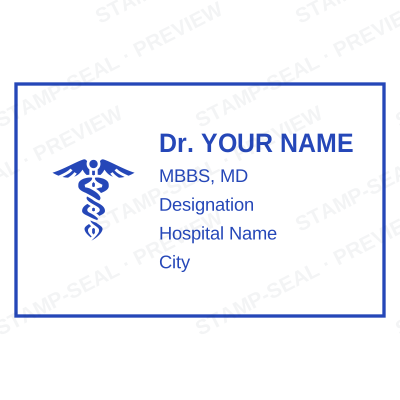
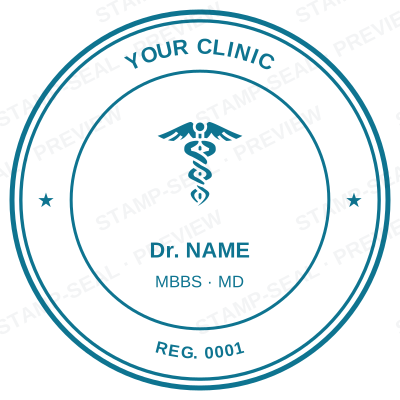


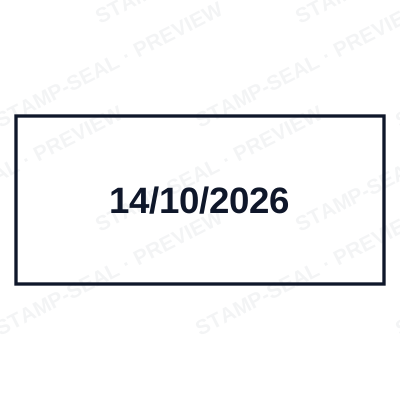
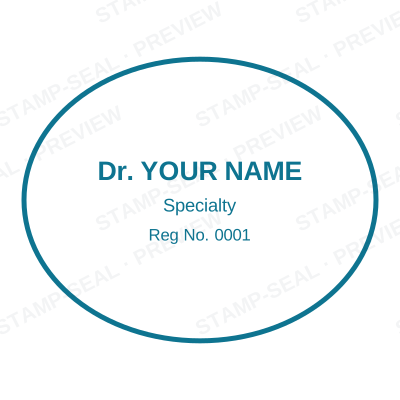
Open the stamp maker with any of these
Every preview on this page carries a faint Stamp-Seal watermark. Your own download does not: the editor renders your stamp again, clean, as a transparent PNG, an SVG or a PDF. See the full template library.
Where a doctor stamp is used
- Prescriptions and sick notes
- Medical and fitness certificates
- Referral and discharge letters
- Insurance and claim forms
Questions people ask
Is the doctor stamp free?
Designing is free and unlimited. Downloading the doctor stamp is $1.50 for a single image, or $3.00 for every format at once. One payment either way, with no subscription attached.
Can I add a date to the doctor stamp?
Yes. Switch the date on and it sits inside the doctor stamp. Leave the date field empty and it fills itself in whenever the stamp is used, rather than freezing the day you designed it.
What format do I get?
A transparent PNG is the one most people want, and it is available on its own. SVG, PDF, EPS and Word are pack-only, because a vector that rescales forever is not the same product as a flat image.
Can I design my own, or pick from templates?
Neither a static doctor stamp template nor a stock image: a doctor stamp generator you drive, and a doctor stamp maker in the sense that matters, which is that nothing is fixed. Choose a doctor stamp sample layout, rework the doctor stamp design, build the doctor stamp online and download when it looks right. The doctor stamp price is $1.50 for a single doctor stamp png or $3.00 for every format zipped.
Can I include my medical registration number?
Yes, add your name, qualifications, registration / licence number and facility as editable lines, with an optional date and serial.
From the Stamp-Seal blog
- Which stamp file format to download, and why there are six of them
- Stamp terms explained: die, ring text, dwell, bleed and the rest
- Stamps by profession: which one each trade actually uses
Related pages
Stamp-Seal is a design tool. What a medical mark must carry, and whether a digital one may be used on a prescription or a certificate, is set by the council or board you are registered with and differs by country. Check your own registration rules rather than relying on any layout here. Only produce a mark for credentials you actually hold.