Stamp maker with no watermark on the download
Nothing is overlaid on a downloaded stamp here, at any price: the file is charged for once rather than being handed over degraded until you subscribe.
Templates you can start from
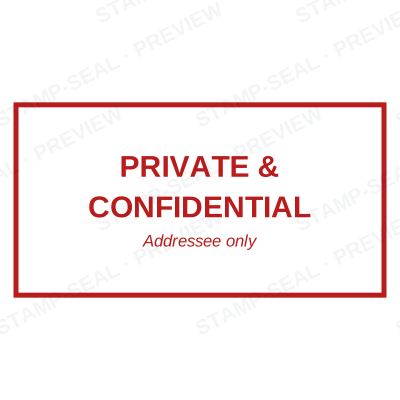
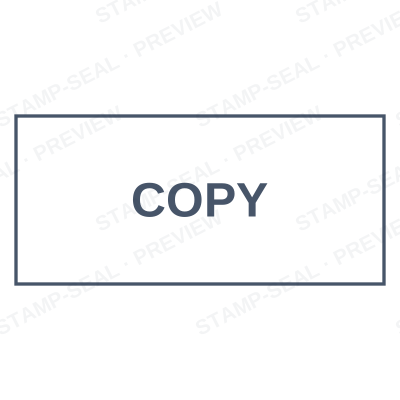
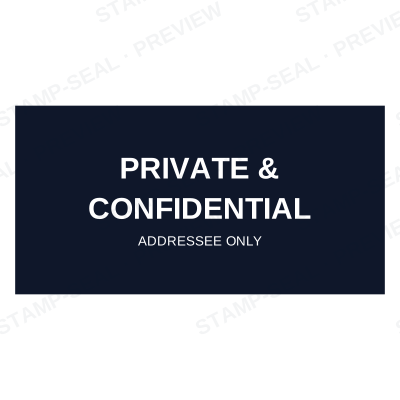
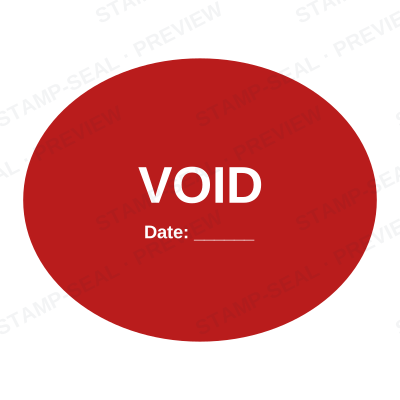
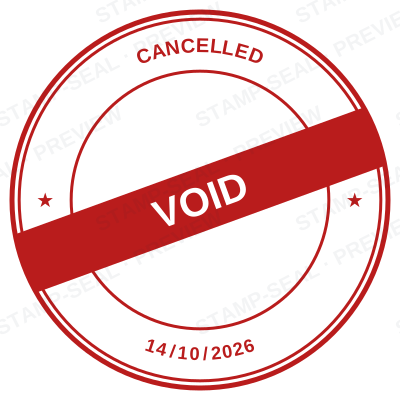

Open the stamp maker with any of these
Every preview on this page carries a faint Stamp-Seal watermark. Your own download does not: the editor renders your stamp again, clean, as a transparent PNG, an SVG or a PDF. See the full template library.
Searching for a stamp maker without a watermark usually means you have already spent twenty minutes on one, got the stamp right, and found a diagonal band across it at the download step. That pattern is why the search exists. It is worth being plain about how this one works instead, because "free" means different things on different sites.
What the editor gives you
- No watermark on any download, at any price. A paid file is a clean file, and that is the whole of the difference between paying and not.
- The on-screen preview does carry a faint diagonal mark, and it is worth saying so plainly. It is there so a screenshot cannot stand in for the file. It is faint enough to judge the design through, it is nowhere on what you download, and the export is redrawn from the design rather than captured from the screen.
- The charge is for the file, once: $1.50 for a single image format, or $3.00 for every format zipped. There is no subscription attached to a one-off download.
- No account needed to buy a single stamp. An email address is enough, because forcing a signup to sell a $1.50 file wastes everybody’s time.
- Editing stays free forever. Come back, change the wording, and you only pay again if you want another file.
Making one, step by step
- Open the stamp maker and pick a shape, or start from a template.
- Type your wording, then set the colour, border and size.
- Add the date, time, serial number or logo, and position each one.
- Preview it live, then download. Designing and previewing are free.
Questions people ask
Is this a watermark free stamp maker?
On the file, yes, which is the part that matters: nothing is overlaid on any download, at any price. The live preview carries a faint diagonal mark so a screen capture cannot replace the purchase, and every download is redrawn from the design rather than grabbed from the screen, so the mark is not in it. What is gated is the download, not the quality of it.
So what is actually free?
Designing, previewing, editing and re-editing, with no account and no time limit. You can build a stamp, look at it at full size, change your mind ten times and never pay. Paying starts when you want the file on your machine.
Why charge at all if designing is free?
Because the file is the product and running this costs money. Charging once for the download is the honest version of the trade. The alternative most sites pick, a free download with a watermark burned into it, hands you a file you cannot use and calls it free.
Do I have to subscribe?
No. A plan exists for people downloading regularly, and it is cheaper for them, but a single stamp is a single payment with nothing recurring behind it.
From the Stamp-Seal blog
- Stamp terms explained: die, ring text, dwell, bleed and the rest
- How to add a stamp to a PDF without Acrobat
- Which stamp file format to download, and why there are six of them
Stamp-Seal is a design tool. This page describes common commercial practice rather than giving legal, tax or financial advice, and practice changes. Where a specific document matters, check the requirement with the body receiving it. Only produce a mark your own organisation or your own credentials are entitled to use.