Stamp design online: design a stamp, seal or chop
Pick a shape, type the wording, set the colour and the border, and the design updates live. Designing and previewing cost nothing.
Templates you can start from
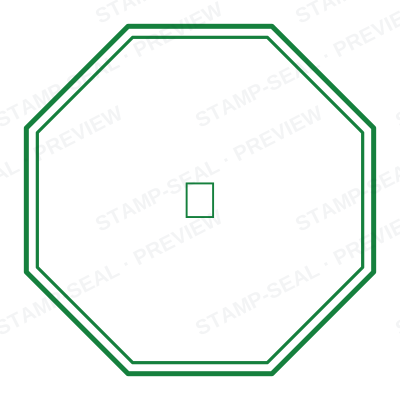
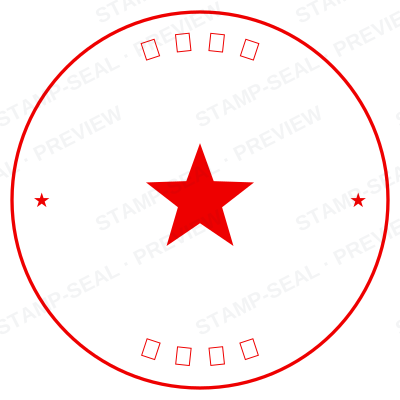
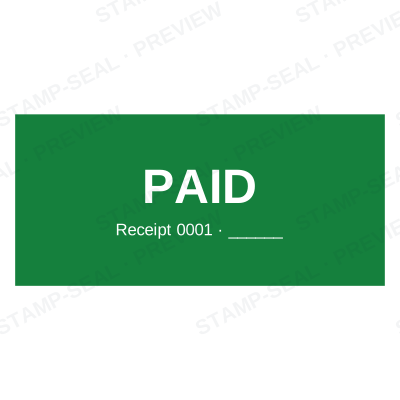
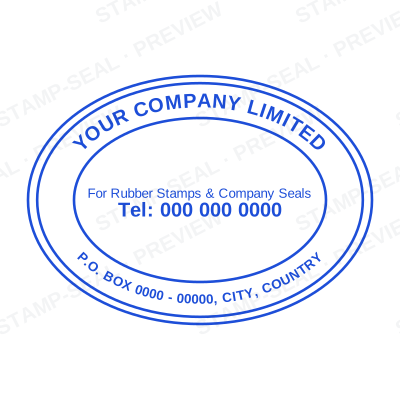
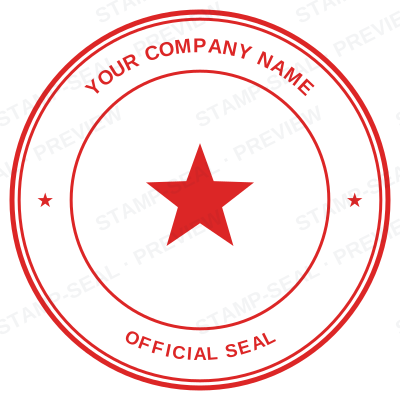
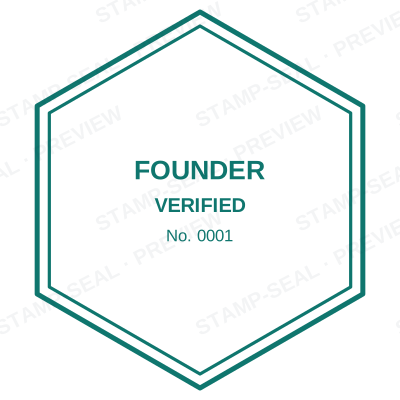
Open the stamp maker with any of these
Every preview on this page carries a faint Stamp-Seal watermark. Your own download does not: the editor renders your stamp again, clean, as a transparent PNG, an SVG or a PDF. See the full template library.
Stamp design has a small number of rules and they are mostly about legibility at 40mm. Text that is too long goes round the ring twice and stops being readable. A border that is too thick eats the space the words need. A colour that is too pale disappears in a photocopy. The designer is built so those choices are visible while you make them rather than after you have paid for a file.
What the editor gives you
- Round, oval, rectangular, square and triangular shapes, all with their own layouts.
- Curved text on the ring, straight text through the middle, and a line of small print underneath.
- Borders from a single hairline to a heavy double ring, in any colour.
- A live preview at real size, so what you judge is what prints.
- Templates by trade, if starting from a blank circle is not how you want to work.
Making one, step by step
- Open the stamp maker and pick a shape, or start from a template.
- Type your wording, then set the colour, border and size.
- Add the date, time, serial number or logo, and position each one.
- Preview it live, then download. Designing and previewing are free.
Questions people ask
How do I design a stamp that looks real?
Keep the wording short, use a single colour, put the important line through the middle rather than round the ring, and turn on a little ageing. Real stamps are imperfect impressions, and a machine-perfect circle is the thing that reads as fake.
What font should a stamp use?
Something plain and heavy. Stamps are printed by pressing ink through a rubber die, so fine serifs and thin strokes do not survive. A bold sans face is what most real stamps use for that reason.
How much text fits on a round stamp?
About 40 characters around the outer ring at 40mm before it stops being readable. If your name is longer, put it through the middle on two lines instead of round the edge.
Can I change the design later?
Yes, if you save it to your library. Reopen it, change the wording or the number, and download the new version. Nothing has to be rebuilt from memory.
How to make a stamp online?
Open the maker, pick a shape, type your wording, set the colour and the border, and download it. Designing and previewing cost nothing, so the whole design can be judged before any money is involved.
How to design a round stamp?
Put the name on the outer ring as curved text, the most important line through the middle where the eye lands, and any number or date on the lower ring. Keep the ring text under about forty characters and use one solid colour.
From the Stamp-Seal blog
- Stamp terms explained: die, ring text, dwell, bleed and the rest
- Stamp or seal: the difference, and which one you are being asked for
- How to add a stamp to a PDF without Acrobat
Stamp-Seal is a design tool. This page describes common commercial practice rather than giving legal, tax or financial advice, and practice changes. Where a specific document matters, check the requirement with the body receiving it. Only produce a mark your own organisation or your own credentials are entitled to use.