PAID stamp generator with the date of payment
A PAID stamp generator with an auto-filling date, for marking invoices and receipts on the day they are settled.
Templates you can start from
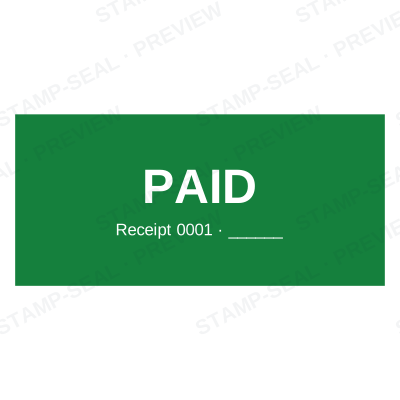
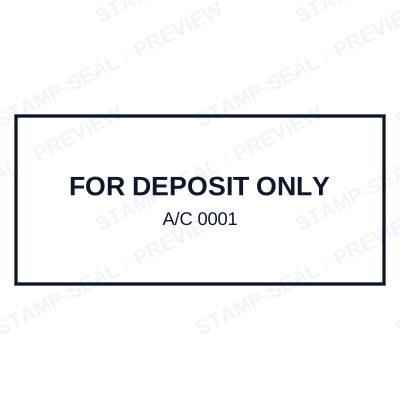
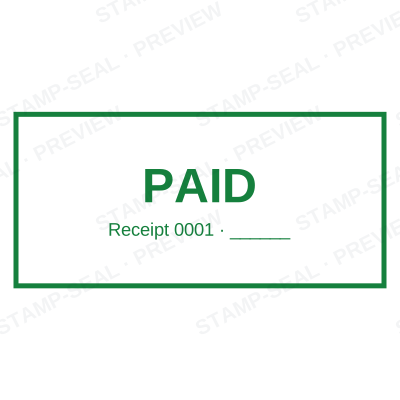
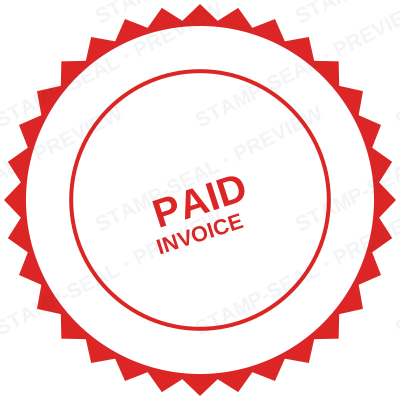
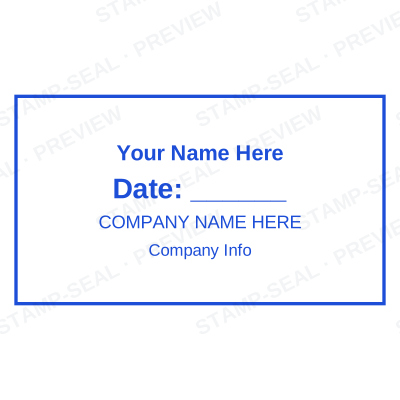
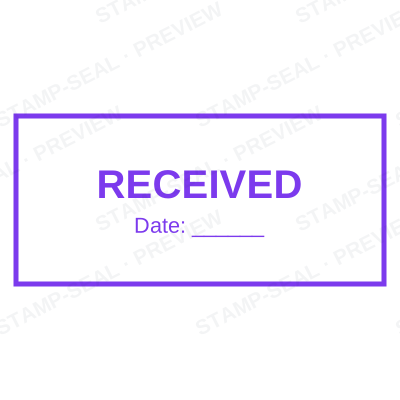
Open the stamp maker with any of these
Every preview on this page carries a faint Stamp-Seal watermark. Your own download does not: the editor renders your stamp again, clean, as a transparent PNG, an SVG or a PDF. See the full template library.
A PAID stamp on an invoice is a bookkeeping record. The useful part is not the word, it is the date beside it, because that is what reconciles against the bank statement.
What the editor gives you
- PAID with a date that resolves when you apply it.
- Space for a payment reference or a cheque number.
- Optional receipt sequence, so each marked invoice takes its own number.
- Red, blue, green or black, in the shape your ledger already uses.
Making one, step by step
- Open the stamp maker and pick a shape, or start from a template.
- Type your wording, then set the colour, border and size.
- Add the date, time, serial number or logo, and position each one.
- Preview it live, then download. Designing and previewing are free.
Questions people ask
Can I put the payment reference on it?
Yes, as a fixed line if it is the same every time, or as a serial that increments if you want a running receipt number.
Should the date be the payment date or today?
Whichever you are recording. Leave it empty to take the day you stamp, or type the settlement date if you are marking up an invoice after the fact. Both are correct as long as the file matches what happened.
Can I stamp the PDF directly?
Putting the stamp onto a PDF is included with a plan. Downloading the stamp image itself is pay as you go and works with any PDF editor you already have.
From the Stamp-Seal blog
- Stamp terms explained: die, ring text, dwell, bleed and the rest
- How to add a stamp to a PDF without Acrobat
- Date stamps: why yesterday's date keeps showing up, and the fix
Stamp-Seal is a design tool. This page describes common commercial practice rather than giving legal, tax or financial advice, and practice changes. Where a specific document matters, check the requirement with the body receiving it. Only produce a mark your own organisation or your own credentials are entitled to use.